WhatsApp Privacy & Security Guide 2026
WhatsApp's end-to-end encryption is automatic, but visibility settings, profile metadata, and chat backups are where most exposure occurs. Phone-number reuse across breached services often reveals WhatsApp profiles to attackers.
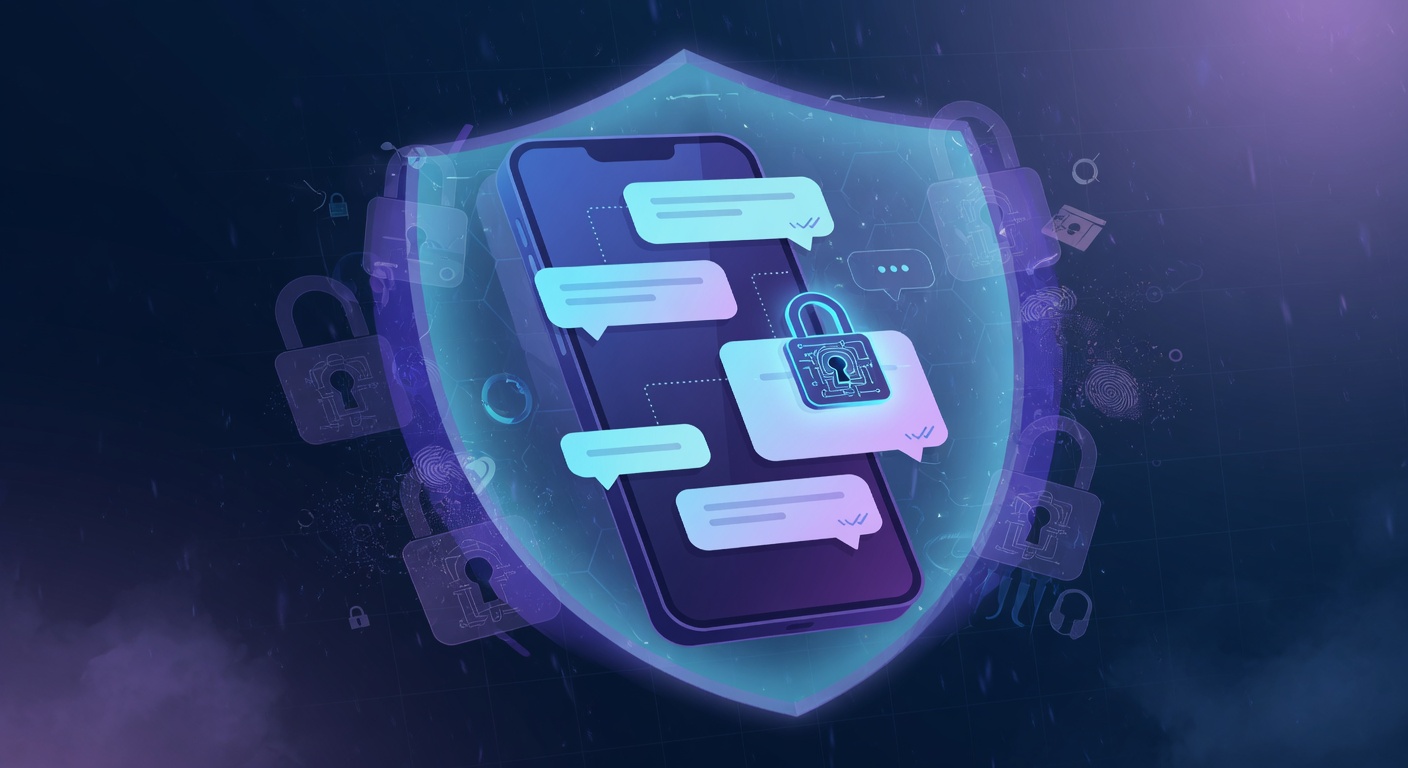
Start with the backup, because it is the one that is not what most people assume: the default cloud backup is not end-to-end encrypted, so turn on End-to-end encrypted backup and give it a strong password. Then set Last seen and online to Nobody and lock Profile photo, About and Status to My contacts — those are the four fields anyone holding your number can read right now.
Key steps to lock down WhatsApp in 2026
- Open WhatsApp, then Settings → Privacy.
- Set Last seen and online to Nobody or My contacts except….
- Set Profile photo, About, and Status to My contacts or Nobody.
- Turn on Disappearing messages (default 7 days, or 24 hours for sensitive chats).
- Enable End-to-end encrypted backup with a strong password — default cloud backups are NOT end-to-end encrypted.
- Enable Two-step verification with a 6-digit PIN and recovery email.
- Disable Read receipts if you want full one-way privacy.
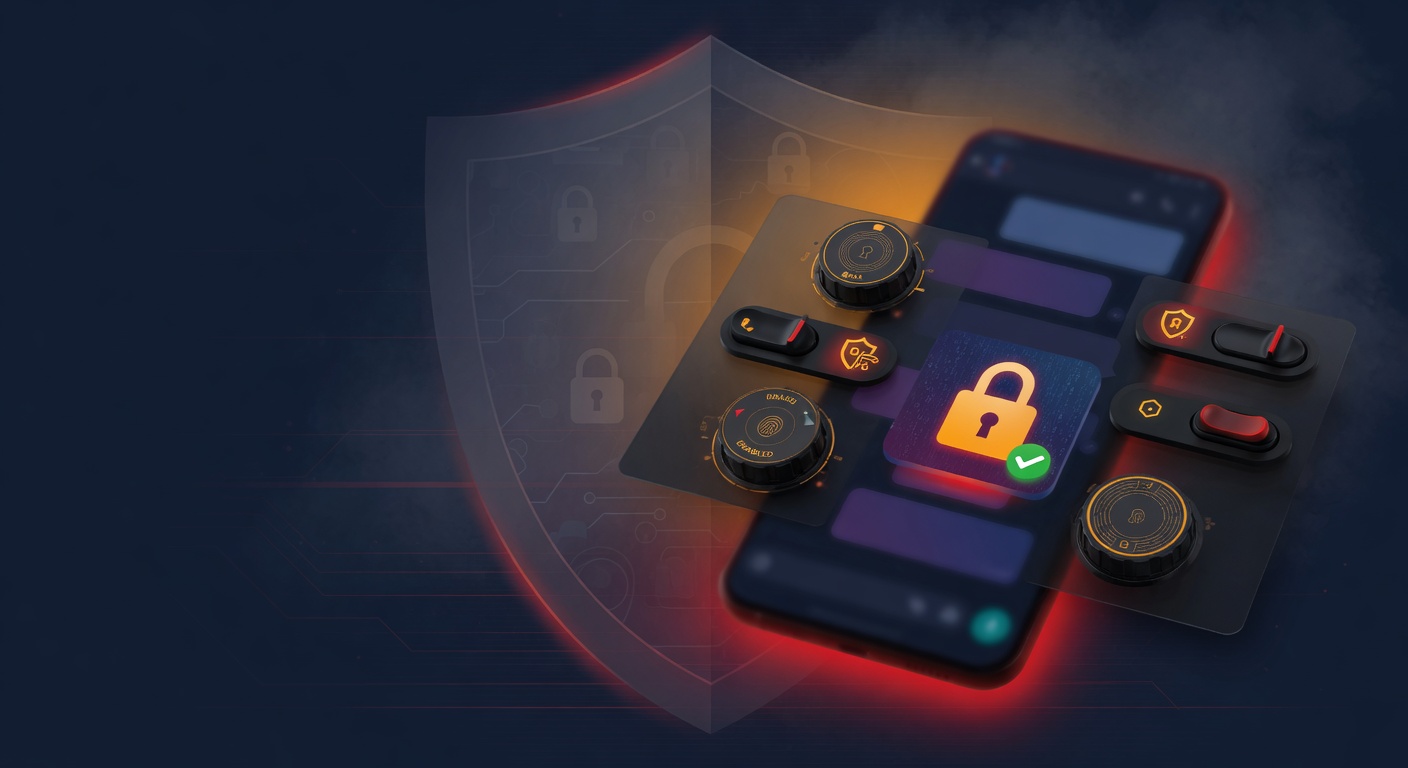
Quick checklist
- Profile visibility: Private or friends-only
- Search engine indexing: Off
- Location sharing: Off
- Two-factor authentication: Enabled (authenticator app, not SMS)
- Data partner sharing / personalized ads: Off
- Linked apps + sessions: Audited and revoked where unfamiliar
Why these settings still aren't enough
Even with every WhatsApp setting locked down, your data still leaks through three channels these settings can't reach: historical exposures already in breach corpora, third-party scrapers that mirrored your old public data, and people-search aggregators that re-list your details every time you remove them. That's where continuous external monitoring becomes essential.
How Warden extends your WhatsApp privacy
Warden by GalaxyWarden scans for leaked WhatsApp numbers and chat metadata that surface in breach databases or people-search sites. AI-powered identity-chain mapping correlates leaked phone numbers with linked email addresses and social-platform handles — including the gaming accounts of children in the household.
Run a free Warden scan to see exactly what is exposed about you across every platform — not just WhatsApp.
