Flickr Privacy & Security Guide 2026
Flickr photo storage can reveal travel, family, and home images through both visible content and EXIF metadata that includes GPS coordinates.
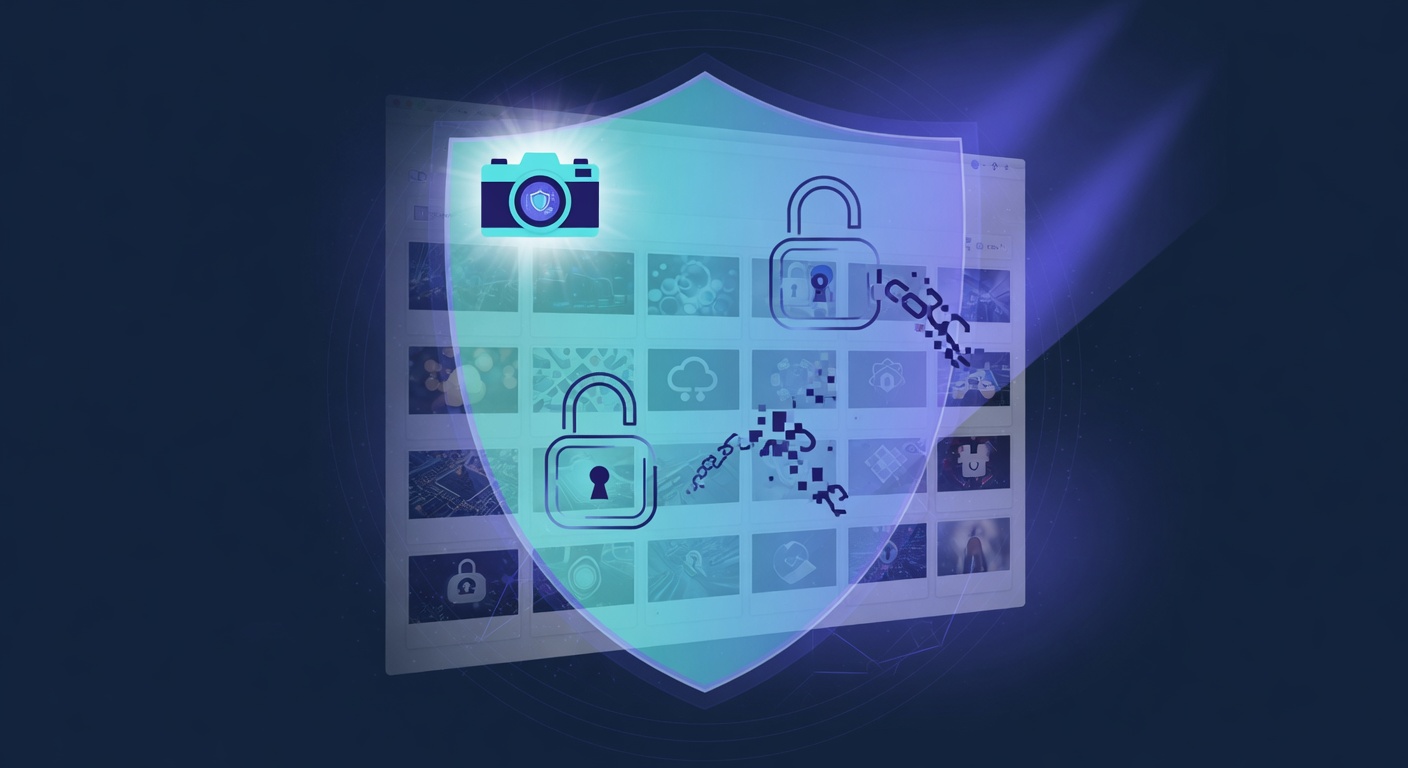
Disable Geotagging on all uploads and strip EXIF metadata before uploading anything: one unstripped photo carries the GPS coordinates of the place it was taken, and here the photographs are the exposure rather than the profile. Then set photo privacy to Only you or Friends & family and turn Public search visibility off.
Key steps to lock down Flickr in 2026
- You → Settings → Privacy & Permissions.
- Set photo privacy to Only you or Friends & family.
- Disable Geotagging on all uploads.
- Turn off Public search visibility.
- Strip EXIF metadata before uploading any photo (most tools do this automatically).
- Disable Allow others to share your stuff.
- Enable two-factor authentication.
Quick checklist
- Profile visibility: Private or friends-only
- Search engine indexing: Off
- Location sharing: Off
- Two-factor authentication: Enabled (authenticator app, not SMS)
- Data partner sharing / personalized ads: Off
- Linked apps + sessions: Audited and revoked where unfamiliar
Why these settings still aren't enough
Even with every Flickr setting locked down, your data still leaks through three channels these settings can't reach: historical exposures already in breach corpora, third-party scrapers that mirrored your old public data, and people-search aggregators that re-list your details every time you remove them. That's where continuous external monitoring becomes essential.
How Warden extends your Flickr privacy
Warden by GalaxyWarden detects Flickr-linked images, EXIF leaks, and any metadata that surfaces in OSINT pipelines.
Run a free Warden scan to see exactly what is exposed about you across every platform — not just Flickr.
