Clubhouse Privacy & Security Guide 2026
Clubhouse rooms are audio-first and often recorded. Voice biometrics, room membership, and follower lists are all OSINT signals.
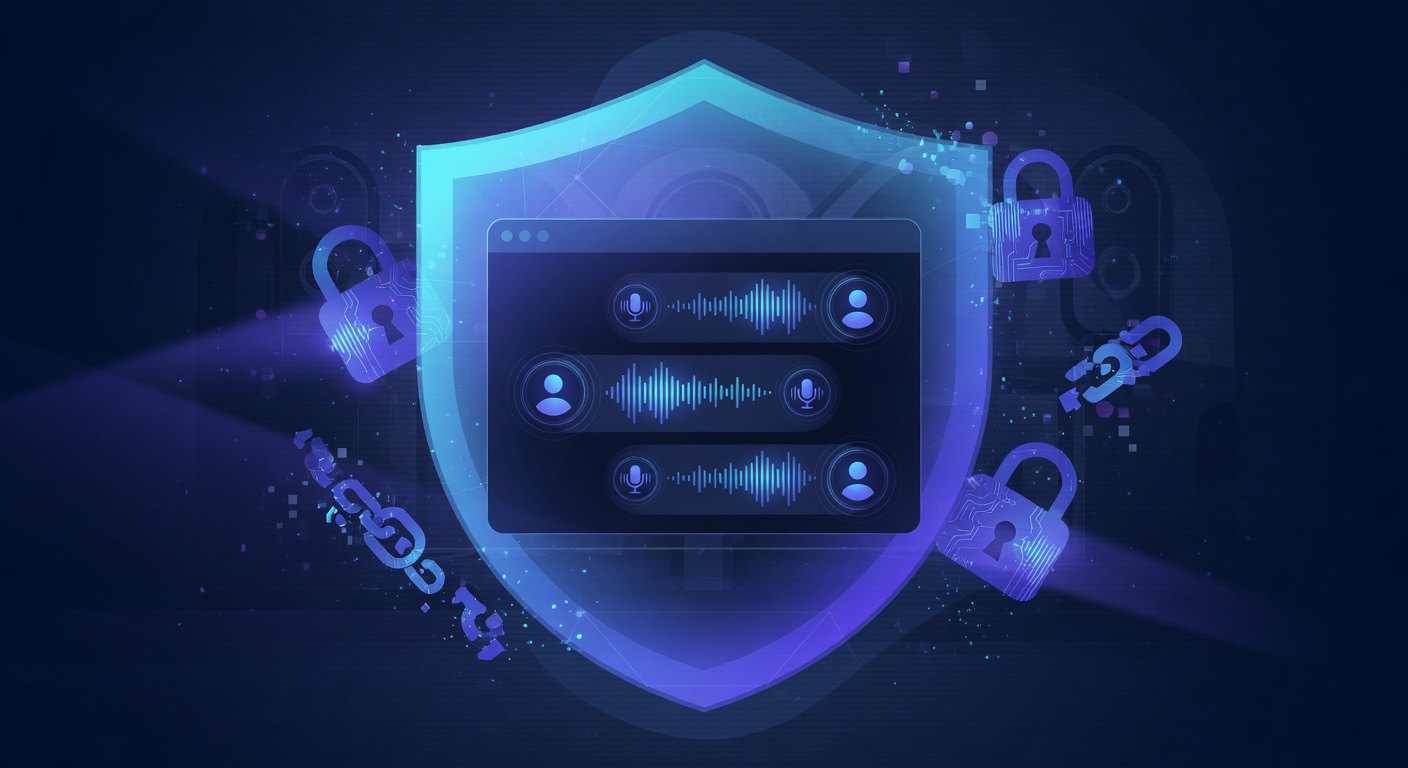
Revoke the contact-sync permission and set Who can find me to Contacts only first: the address book is Clubhouse’s growth mechanic and it works in both directions. Then use closed rooms for anything sensitive, and treat a room you do not recognise as recorded — audio in an open room is collectable, and it is your actual voice.
Key steps to lock down Clubhouse in 2026
- Profile → Settings → Privacy.
- Set Who can find me to Contacts only.
- Enable closed rooms for sensitive discussions.
- Disable Allow contacts to find me.
- Review and revoke contact-sync permissions.
- Enable two-factor authentication.
- Avoid joining rooms you don't recognize — they may be recorded for OSINT.

Quick checklist
- Profile visibility: Private or friends-only
- Search engine indexing: Off
- Location sharing: Off
- Two-factor authentication: Enabled (authenticator app, not SMS)
- Data partner sharing / personalized ads: Off
- Linked apps + sessions: Audited and revoked where unfamiliar
Why these settings still aren't enough
Even with every Clubhouse setting locked down, your data still leaks through three channels these settings can't reach: historical exposures already in breach corpora, third-party scrapers that mirrored your old public data, and people-search aggregators that re-list your details every time you remove them. That's where continuous external monitoring becomes essential.
How Warden extends your Clubhouse privacy
Warden by GalaxyWarden monitors Clubhouse usernames and phone numbers, and flags voice-clone risks for executives who appear publicly on the platform.
Run a free Warden scan to see exactly what is exposed about you across every platform — not just Clubhouse.
